

Catalog Management lets administrators review the Catalog structure and organize products into categories.
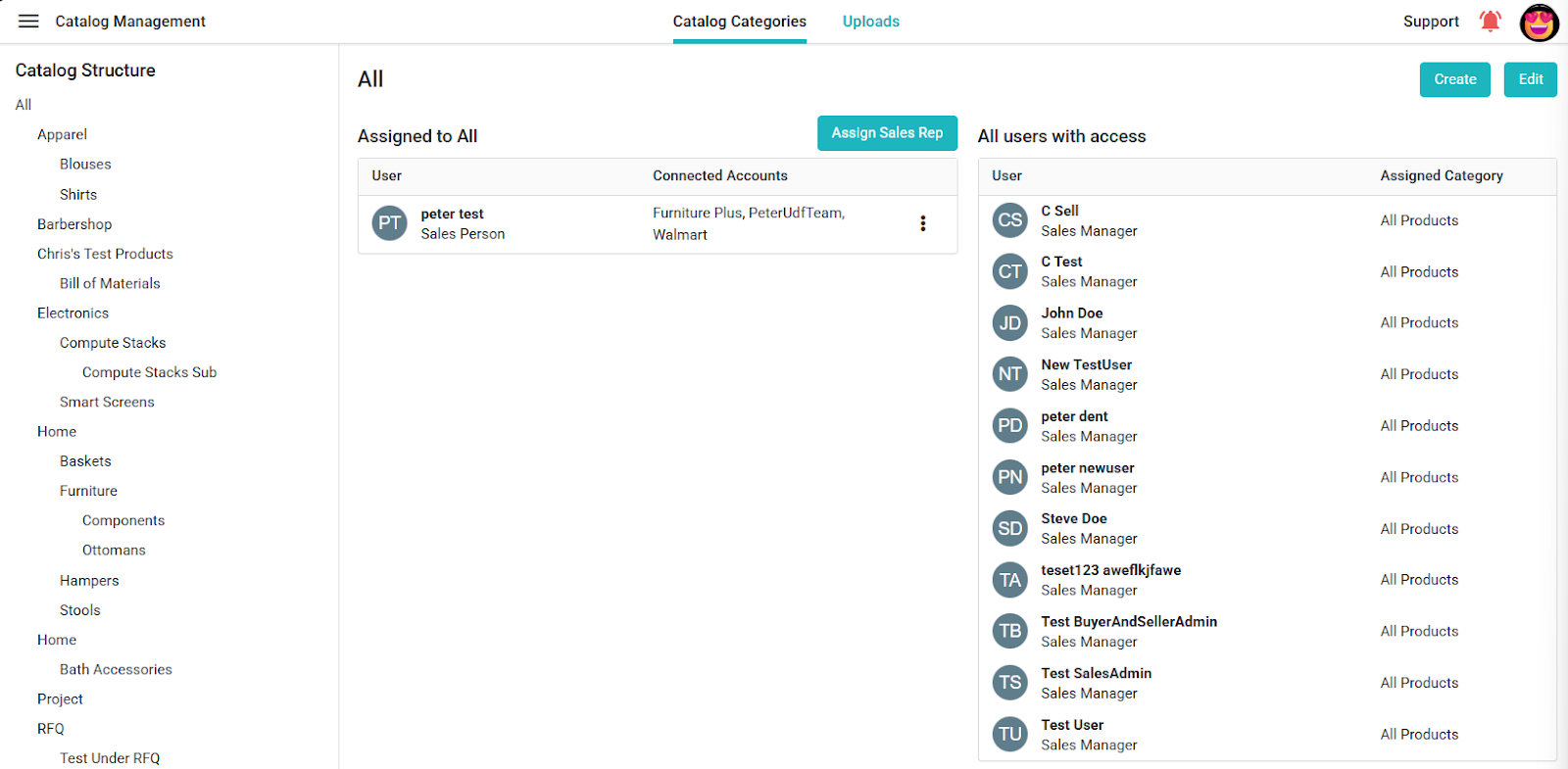
- Open Catalog Management from the left menu.
- Review the existing categories in the Catalog Structure panel.
- Choose Create to add a category, then enter its name and choose its parent in the hierarchy.
- To organize products, select them in the Catalog and choose Move to place them in the appropriate category.
- Review the category and product lists after saving.
Keep category nesting to two levels so products remain easy to find.
