

If the Departments & Categories page is available to your role, it shows the company structure as a tree. Select a department or category to view its details and available management controls.
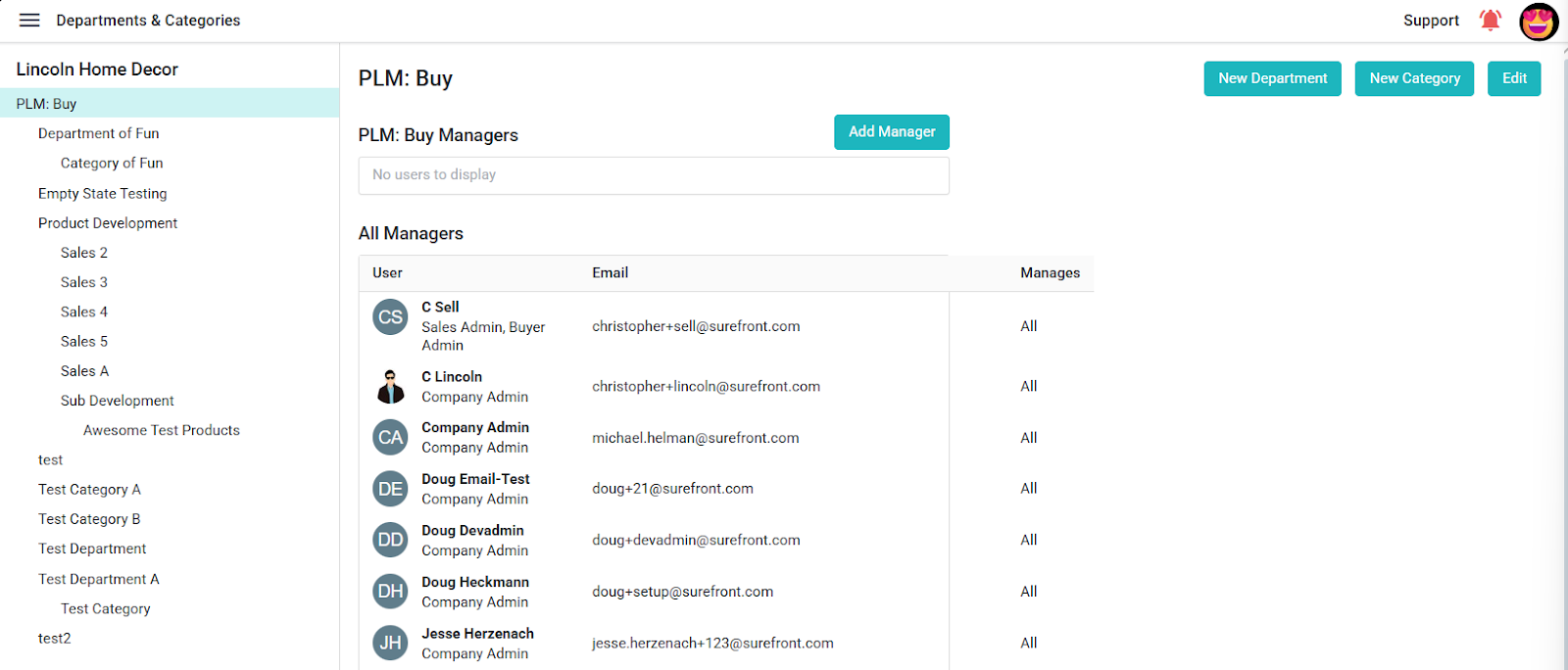
- Use New Department to add a department and New Category to add a catalog category under the selected tree node.
- The selected scope includes PD Requirements and Data Requirements tabs. The company and department views expose an Add section control and a Save button.
- The page also displays manager information for the selected scope.
Available controls depend on the selected company-structure node and your role.
