

Administration
Supplier Accounts lets administrators invite supplier contacts and choose the connected categories and inventory visibility for the supplier relationship.
Review supplier accounts
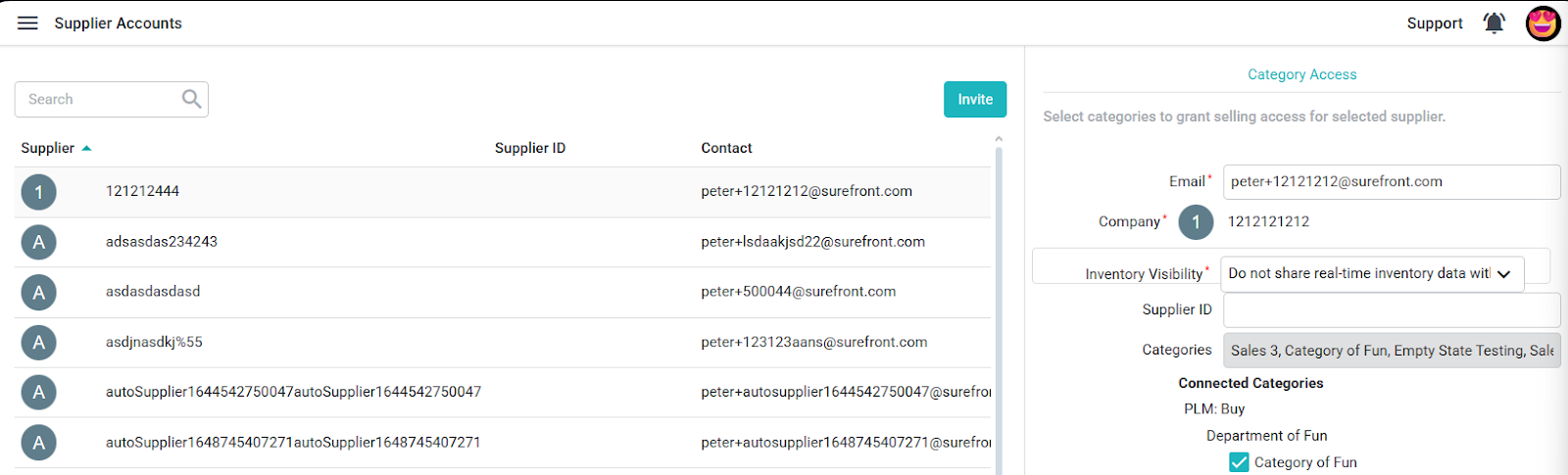
Open Administration → Supplier Accounts. Review the supplier, supplier ID, contact, inventory visibility, categories, status, and invitation date columns.
Invite a supplier
Select Invite. Enter the required Email and Company, then choose Inventory Visibility and Connected Categories. Supplier ID is optional. Select only the categories that should be included in the connection, then review the inventory-sharing choice.
After entering the required information, select Create to send the invitation.
To change category access later, return to the supplier record and update the connected categories. Review the supplier's connected categories before changing access, since category access determines which products are shared.
