

Platform Overview
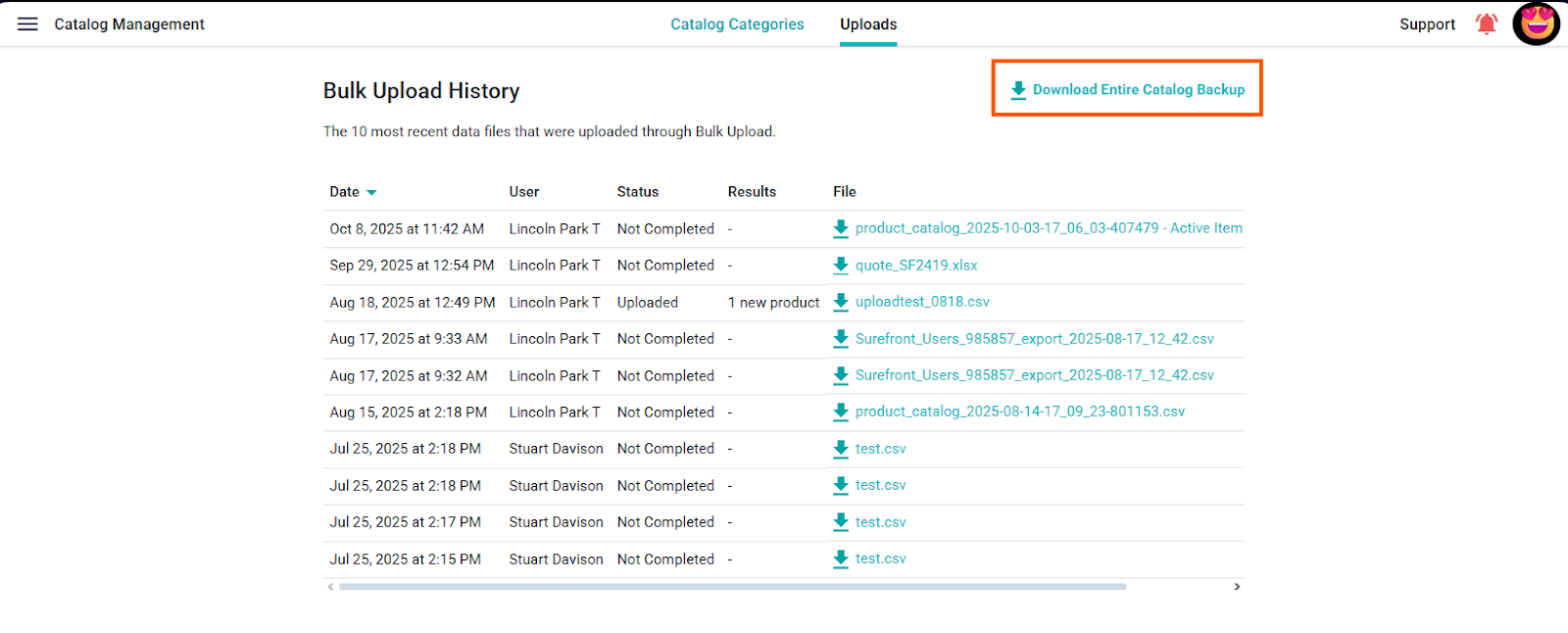
Use Catalog Management → Backups to download a full catalog backup or schedule recurring backups. Use the product Export controls for selected-product exports; available formats and templates depend on your account.
Download or schedule a catalog backup
Open Administration → Catalog Management → Backups. The current Backups page offers Download Entire Catalog Backup Now and settings for automatic backups.
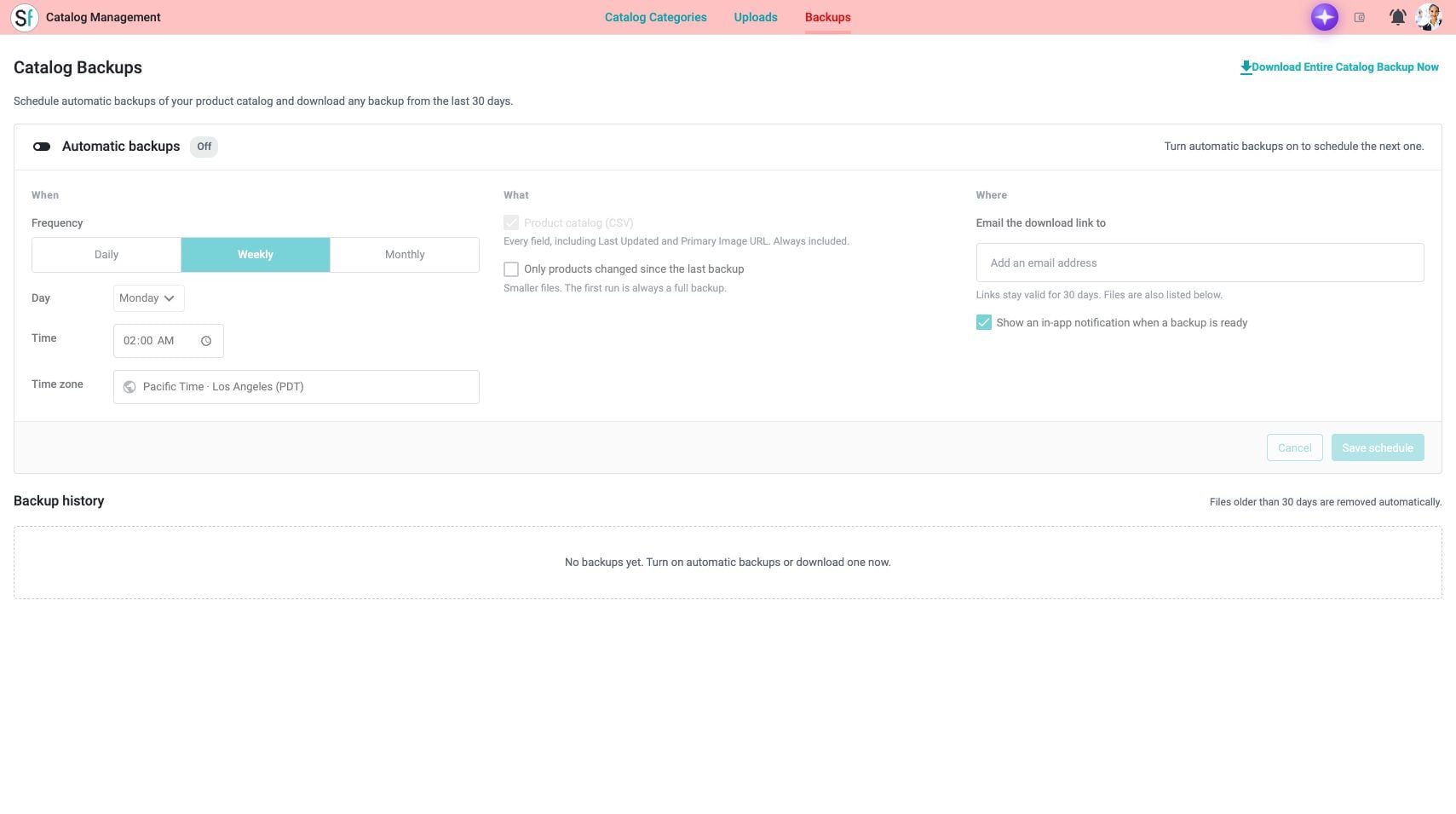
To schedule backups, turn on Automatic backups and configure the frequency and any day, time, and time-zone controls shown. The page identifies the included Product catalog (CSV), offers an option for products changed since the previous backup, and lets you enter an email address or enable an in-app notification. Review the settings and select Save schedule when ready. A displayed control or selected default is not evidence that a schedule was saved.
The page states that backup links remain valid for 30 days and that older backup files are removed automatically. Use Backup history to find files that are available in your account.
Export selected products
In Catalog, CRM, or PLM, select the products to export and choose Export from the available product actions. Depending on the view, the action may appear in a product menu.
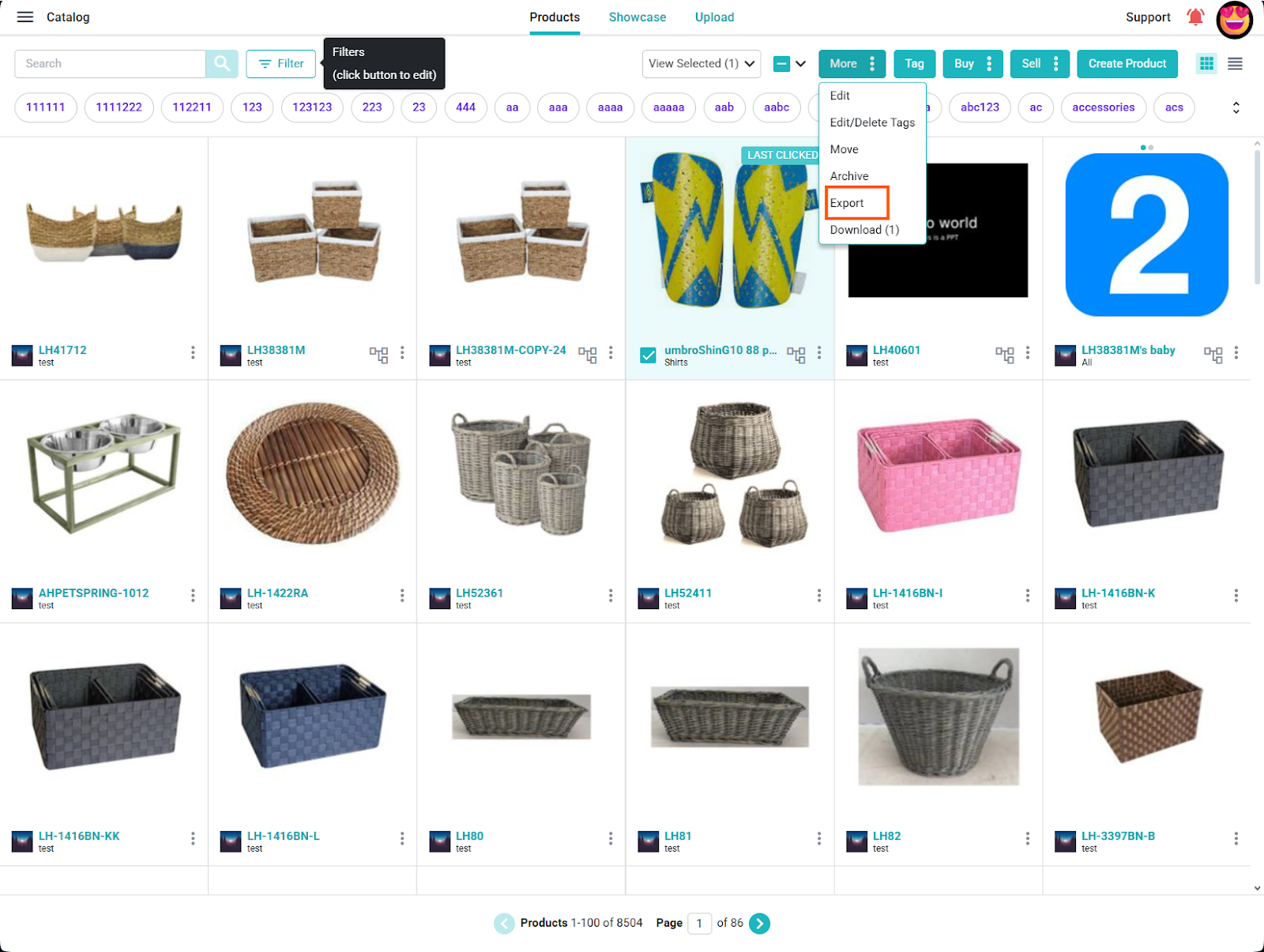
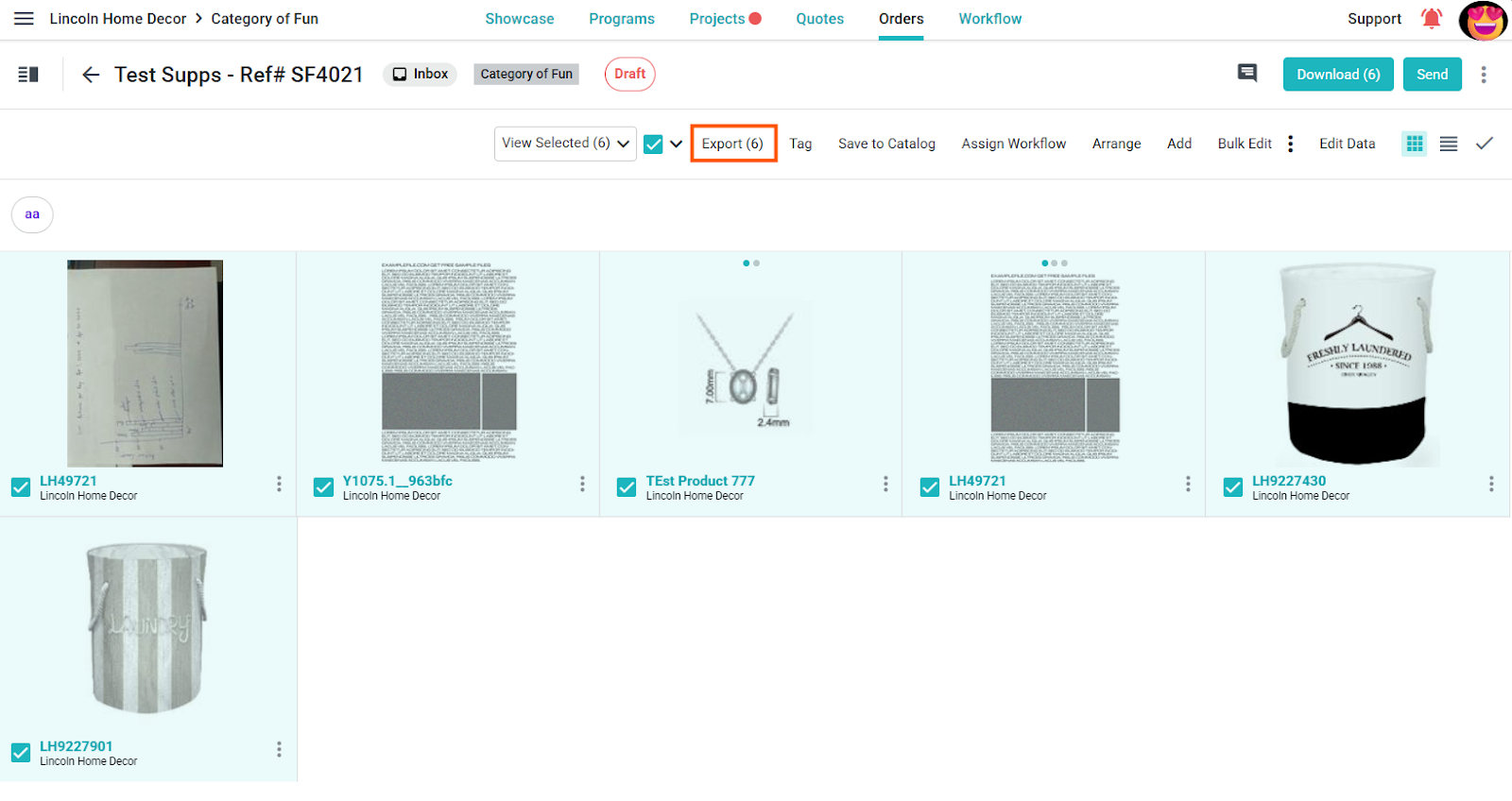
The export panel may offer CSV or configured templates. Layouts, images, formulas, and other export options depend on account entitlements and the templates available to your company. Review the selected format and fields before downloading; contact Surefront Support about export options for your account.
