

Catalog Overview
Catalog is the product workspace. Use search and filters to find active catalog products, open product details, or select products for available bulk actions.
Find products
Open Catalog. Use Search and Filter to find products by available product fields, Item #, or category. The filter panel supports adding conditions and applying or saving filters.
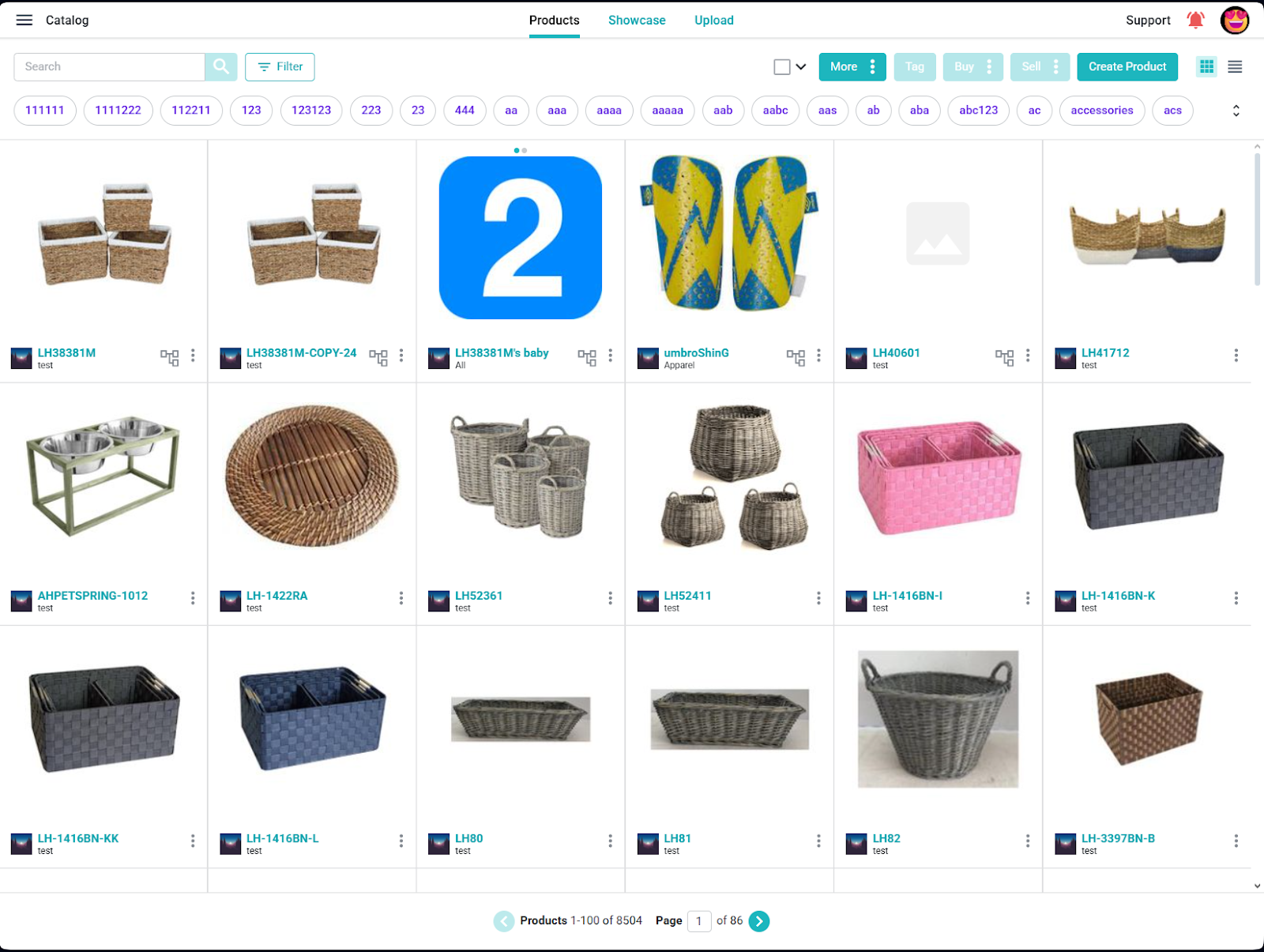
Open a product or select several
Select a product to review its details. For bulk actions, select one or more product rows and use the actions that appear for that selection, such as Tag, Export, or other available product actions.
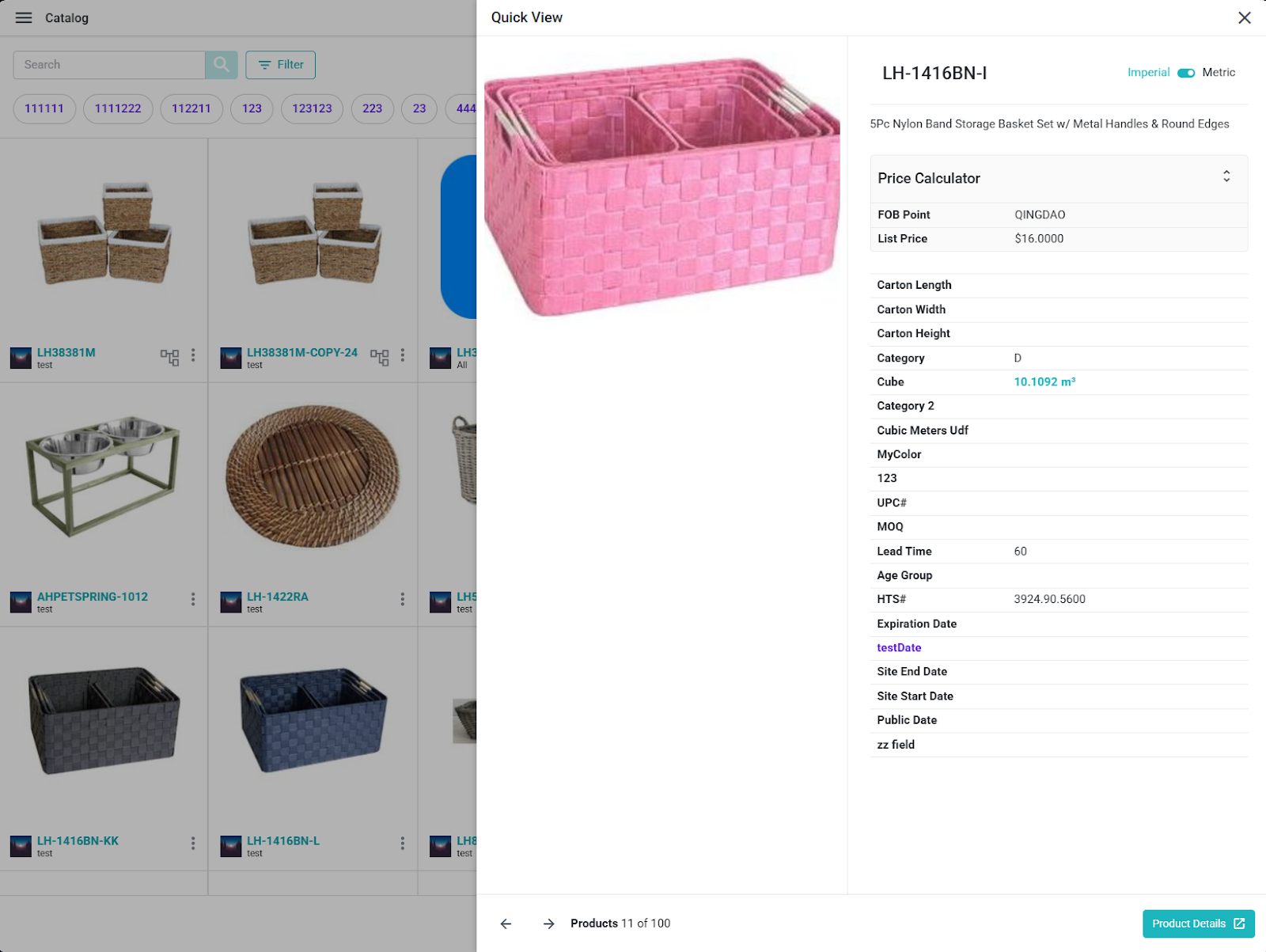
Archived products may require an explicit filter or archive view. Do not assume they appear in the active catalog list by default.
Explore sample products in a new or trial account
If your company account contains seeded sample products, use them to explore the catalog before changing live records. Sample products belong to your own company and remain subject to your account's access permissions.
- Open Catalog, then Products.
- Look for the sample data tag among the available tags and select it to narrow the list. You can also use Search or Filter to find an Item#, description, or other available product field.
- Open a product to review its images and fields. Return to the list and open another product to compare the details.
- Ask Sura a question about an Item# from your results, then open the matching Surefront record to check the answer.
If you use the Surefront connection in ChatGPT or Claude, you can ask to tour your sample catalog. That tour reads active, accessible products tagged sample data in the connected company. Searching, comparing, and previewing an edit do not save changes. Creating or saving a product change requires the appropriate write permission and approval.
If the sample data tag or products are missing, do not assume every catalog product is sample data. Check the selected company and available filters, or contact Surefront Support. You do not need to create, delete, archive, or edit products to explore the catalog.
