

Buying/Creating - PLM
Use Workflow to review and filter tasks, create workflow definitions, and assign a workflow to a product.
Review workflow tasks
Choose Workflow from the main menu. Review task details including Item#, Status, Due Date, Date Updated, Task, Task Notes, Source, Type, Product Notes, and Assignee. Use Filter to narrow the list by conditions such as status or assignee, then select Apply or save the filter for reuse.
Assign a workflow to a product
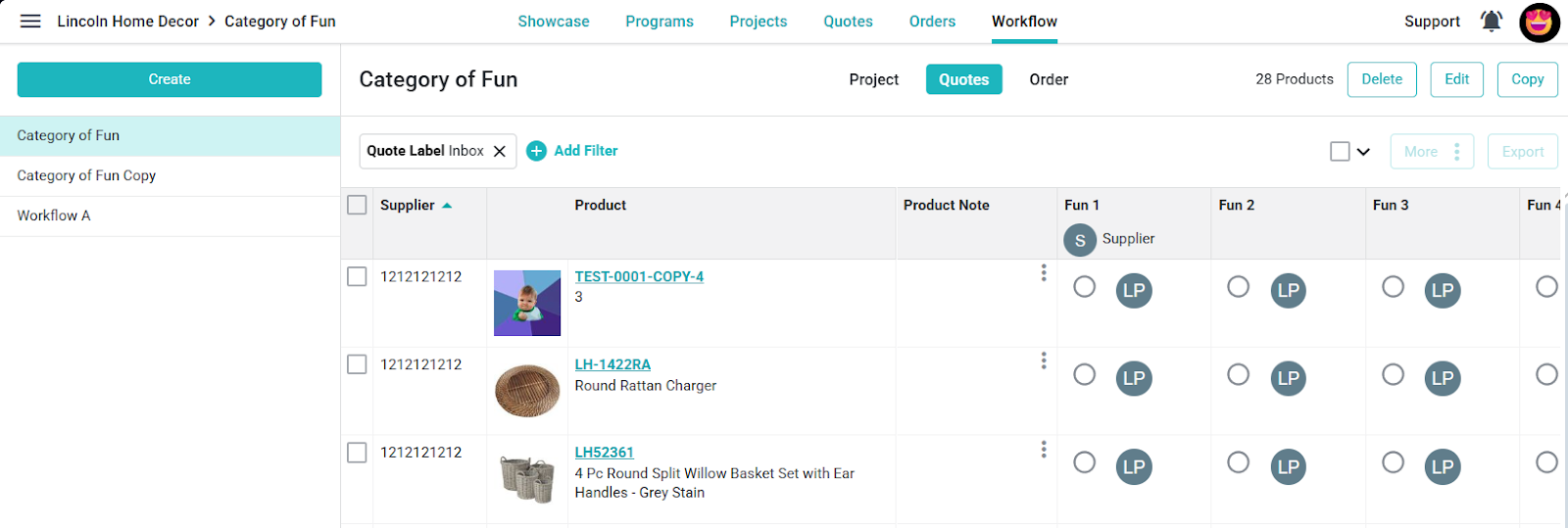
Open the product and select Assign Workflow. Choose an existing workflow, review its tasks, and set due dates. Use Auto-populate and a Start Date if appropriate, then choose Save to assign it.
Create or maintain workflow definitions
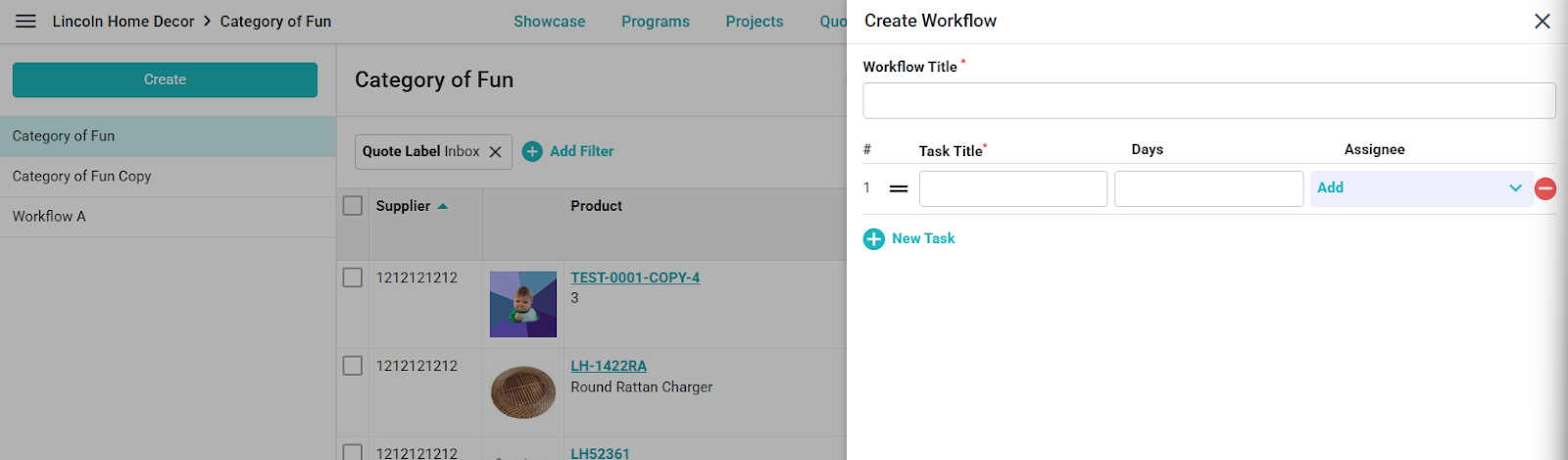
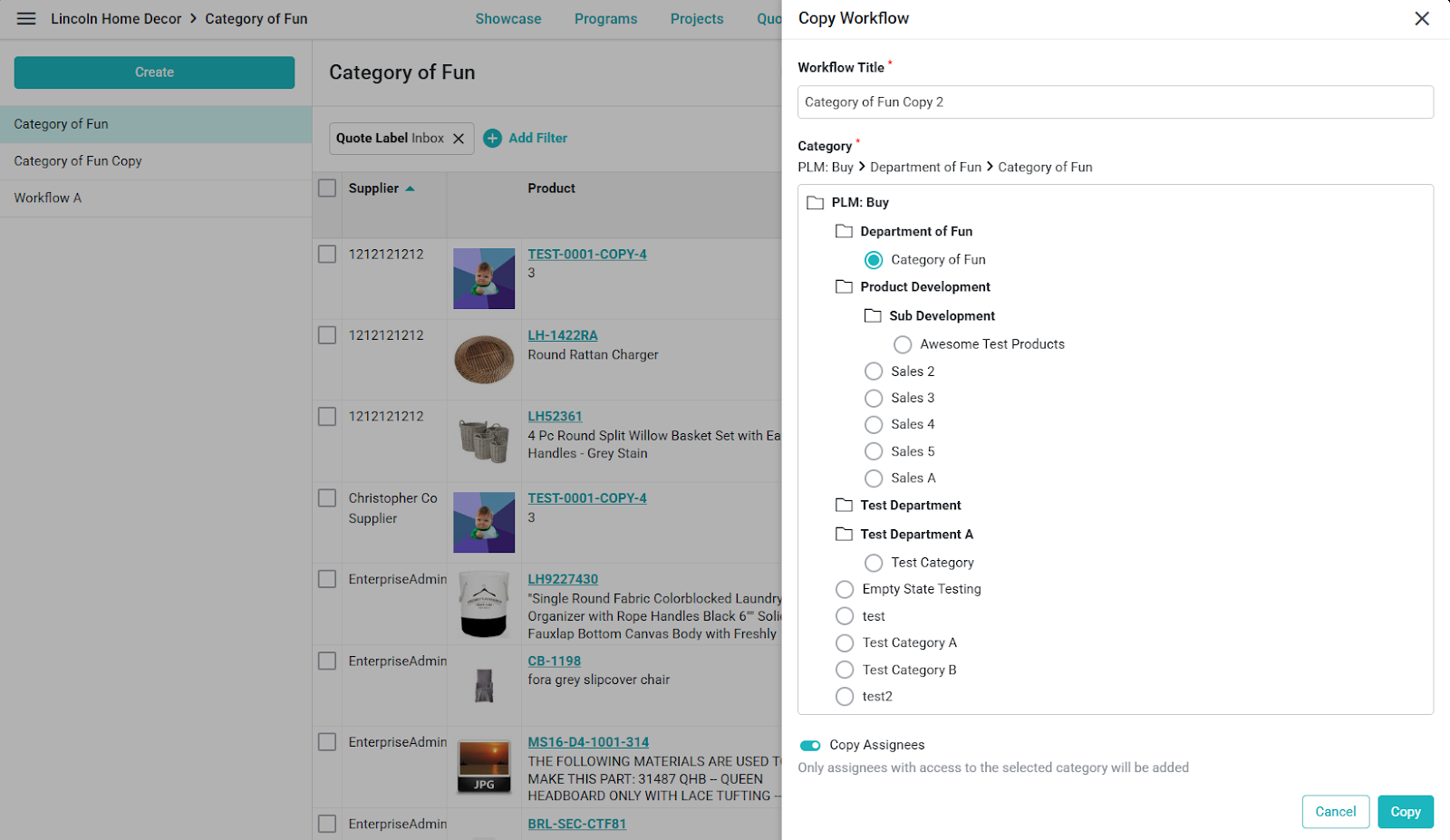
To create a workflow, select Create, enter a Workflow Title, and add task rows with a Task Title, Days, and Assignee. Select New Task to add rows, arrange tasks in the needed order, then select Save. Open an existing workflow to edit or copy it when you need to update its tasks or create a similar workflow.
