

Catalog Overview
A Showcase lets a supplier share eligible products with a buyer for review. Eligibility depends on the connected retailer relationship, shared categories, and account plan.
Create a Showcase
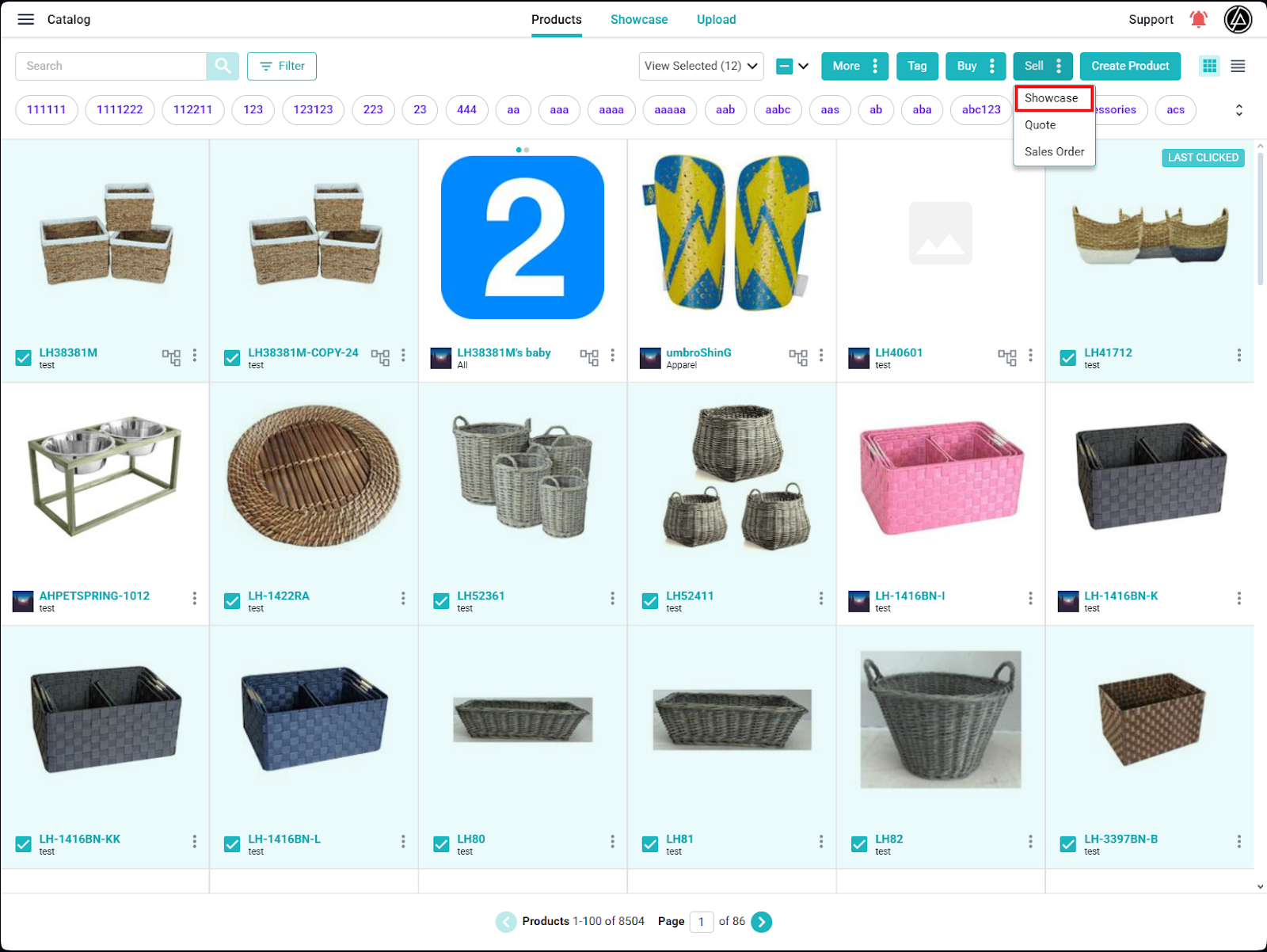
In Catalog, select the products to share, then choose Sell → Showcase from the available actions. Choose an eligible retailer or workspace and review the products before continuing.
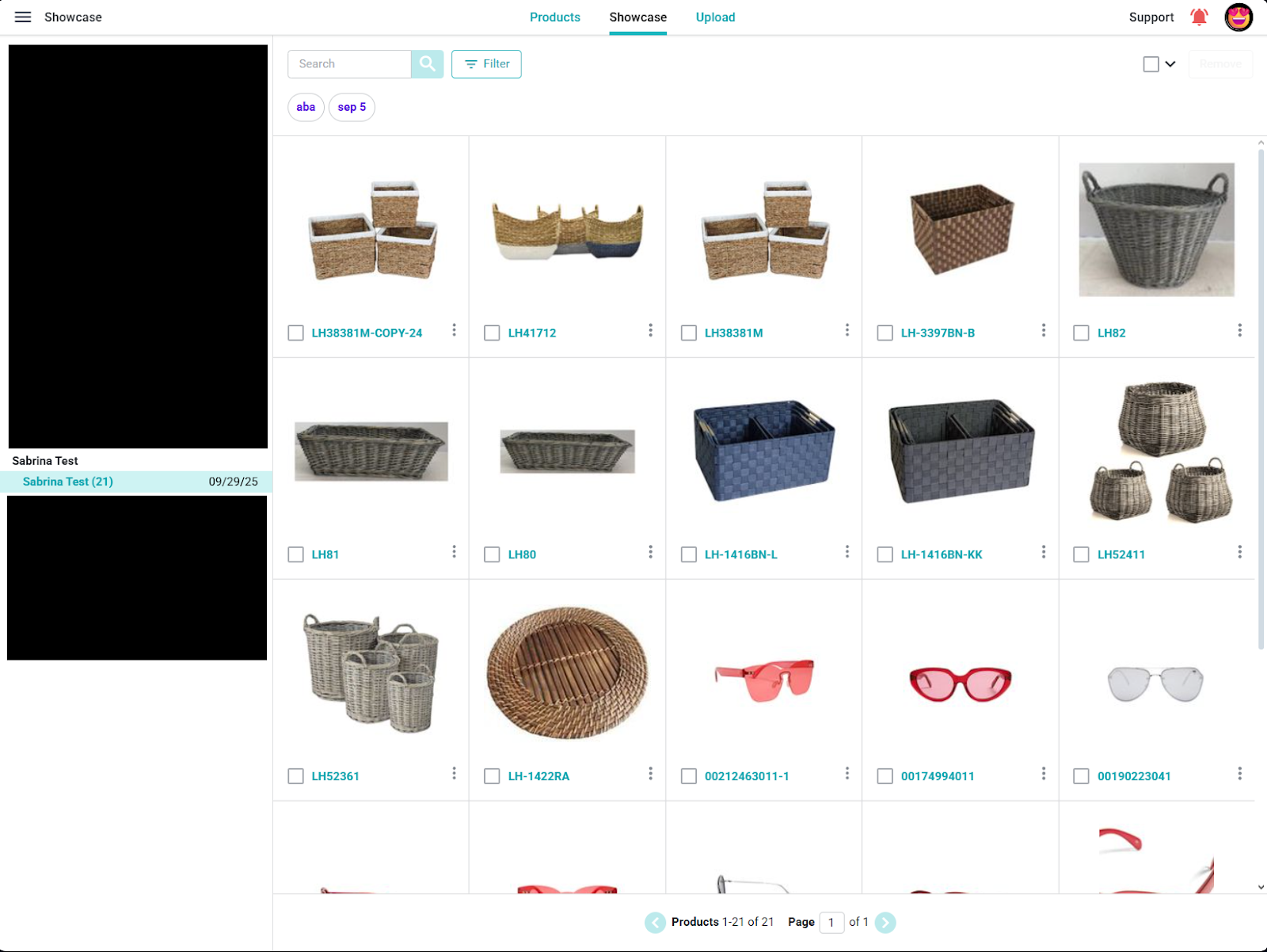
Use the Showcase area to review the shared product list and add or remove products as needed. A buyer can favorite the products they are interested in; use those selections to focus the next conversation.
Continue to a quote
After the buyer's selection is clear, complete the item information needed for a quote and use the available quote workflow. The current recipient options and final share/send behavior depend on the verified connection and company configuration.
