

Use this checklist after receiving a Surefront invitation:
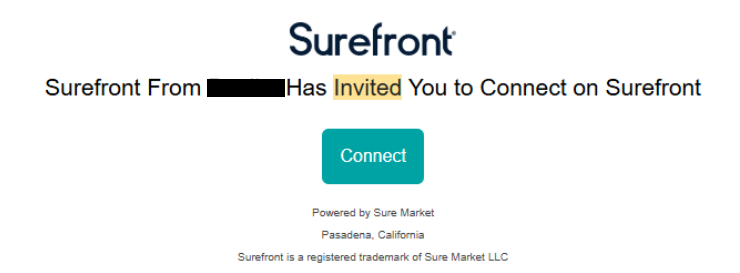
- Open the invitation and follow its account-connection link.
- Finish account setup and sign in.
- Ask your administrator to confirm your company, role, and workspace access.
- Check that the customers or supplier relationships you need are visible. If one is missing, request an invitation or access from the relevant administrator.
- Follow your team’s process for adding products to the catalog or sharing them in a project, quote, or order.
If an expected area is missing, ask your company administrator to review your account access.
