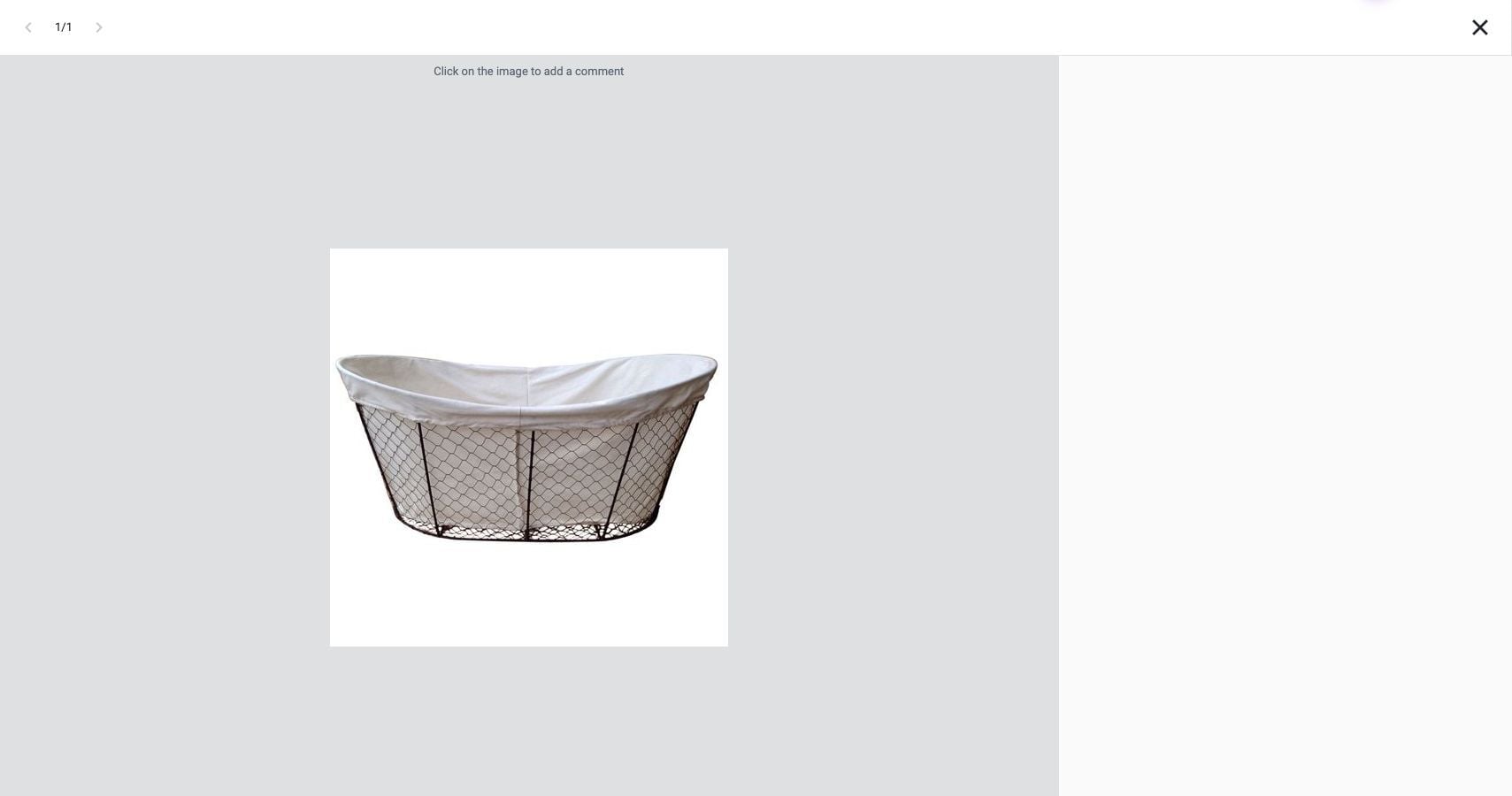

Where the image comment action is available, participants can attach a note to a specific spot on a product image and discuss a visual detail in context.
- Open the product image in its quote, order, or project workspace.
- Hover over the image. If Comment appears, select it.
- In the image comment overlay, click the spot you want to discuss. Follow the on-screen controls to enter and post your comment.
- To continue the discussion, open the comment on the image and use the reply control if shown.