

Buying/Creating - PLM
Product Lifecycle Management (PLM) groups project, quote, and order work by department and category. Use the PLM navigation to open the workspace that matches the work you need to do.
Choose a PLM workspace
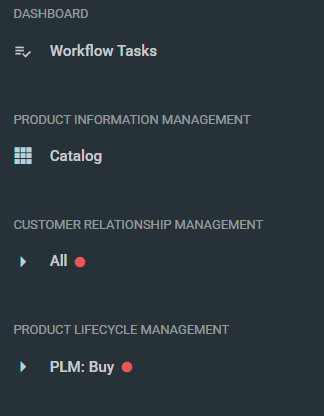
Open the main menu and expand Product Lifecycle Management. Choose All for the all-department workspace, or choose a department or category from the hierarchy.
Move between project, quote, and order work
The All workspace provides Projects, Quotes, and Orders lists. A department/category workspace may also include Programs. Select the relevant list, then use Search or Filter to find the record.
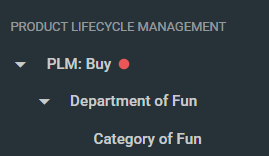
Navigation options vary with the selected workspace and company taxonomy. The menu screenshots in this article are retained as legacy illustrations and do not establish the current labels.
