

Selling - CRM
CRM is the workspace for managing buyer relationships, quotes, and orders. The main menu exposes All CRM and the customer or sales workspaces available to your account.
Open a CRM workspace
Expand Customer Relationship Management. Choose All CRM or select a sales folder or customer workspace in the navigation. The current CRM Quotes screen also exposes a Create action for starting quote work.
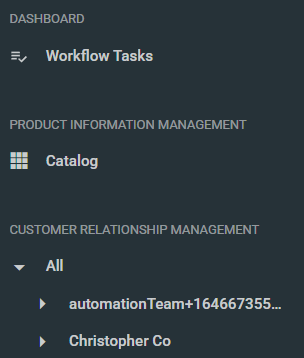
Within a selected workspace, use the Quotes or Orders view shown for that context. Customer workspaces can have nested folder or department/category levels, so confirm the selected workspace before creating or reviewing records.
Customer Connections is the administration area for managing linked and unlinked buyer relationships; it is not a substitute for the CRM workspace.
