
Bulk editing tasks in Workflow, Projects, Quotes, and Orders
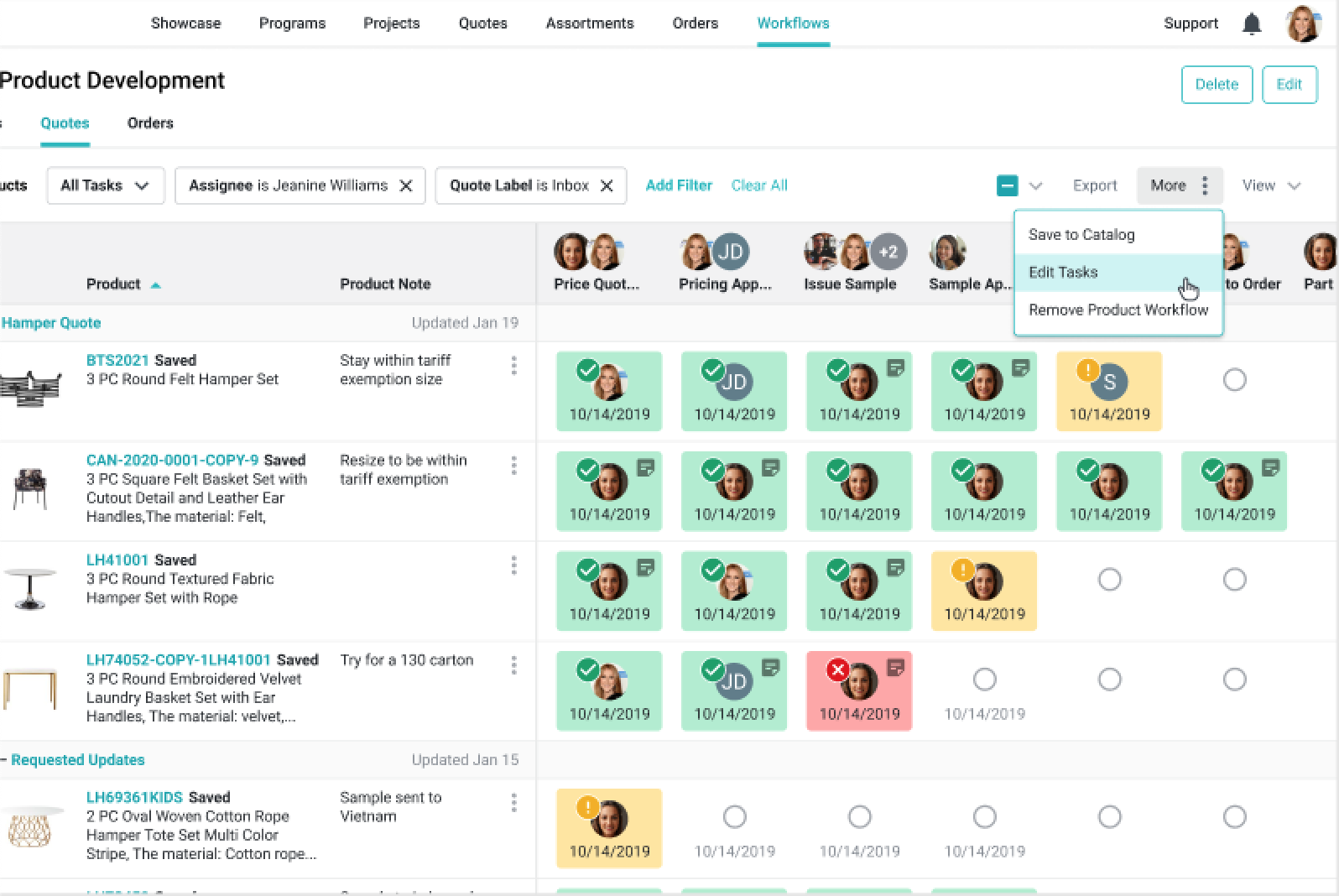
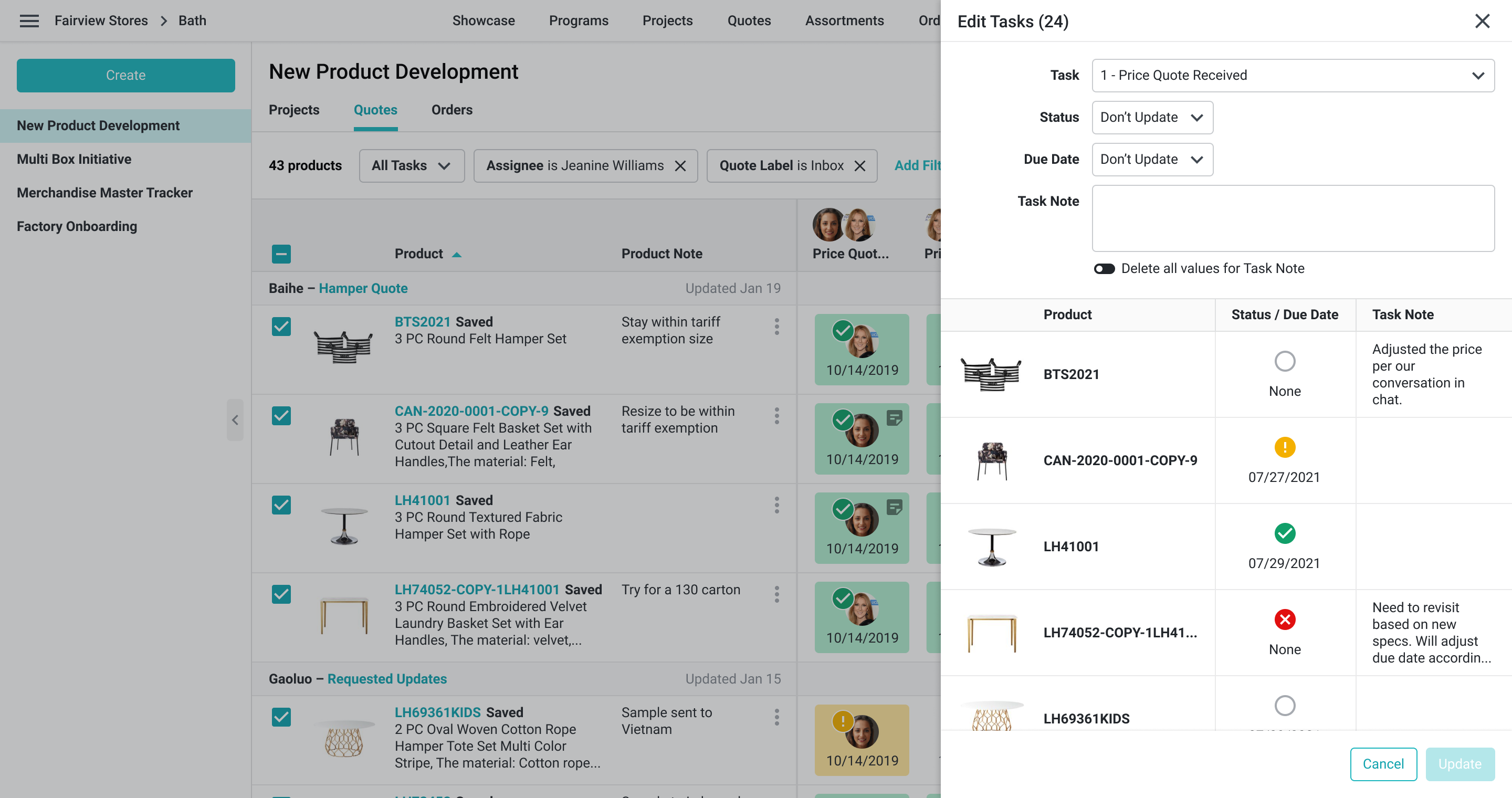
In Workflow, select the product rows whose tasks you want to change, open More, and choose “Edit Tasks.” The drawer is titled “Edit Tasks” and includes controls for task status, notes, and due date. In a Projects, Quotes, or Orders product list, when one workflow is selected, open “Bulk Edit” and choose “Edit Tasks.”